个人博客搭建
GitHub Pages + Hexo组合搭建个人博客环境
1 Github
1.1 创建仓库
创建仓库{用户名}.github.io,将来即可根据域名https://{用户名}.github.io/访问博客。
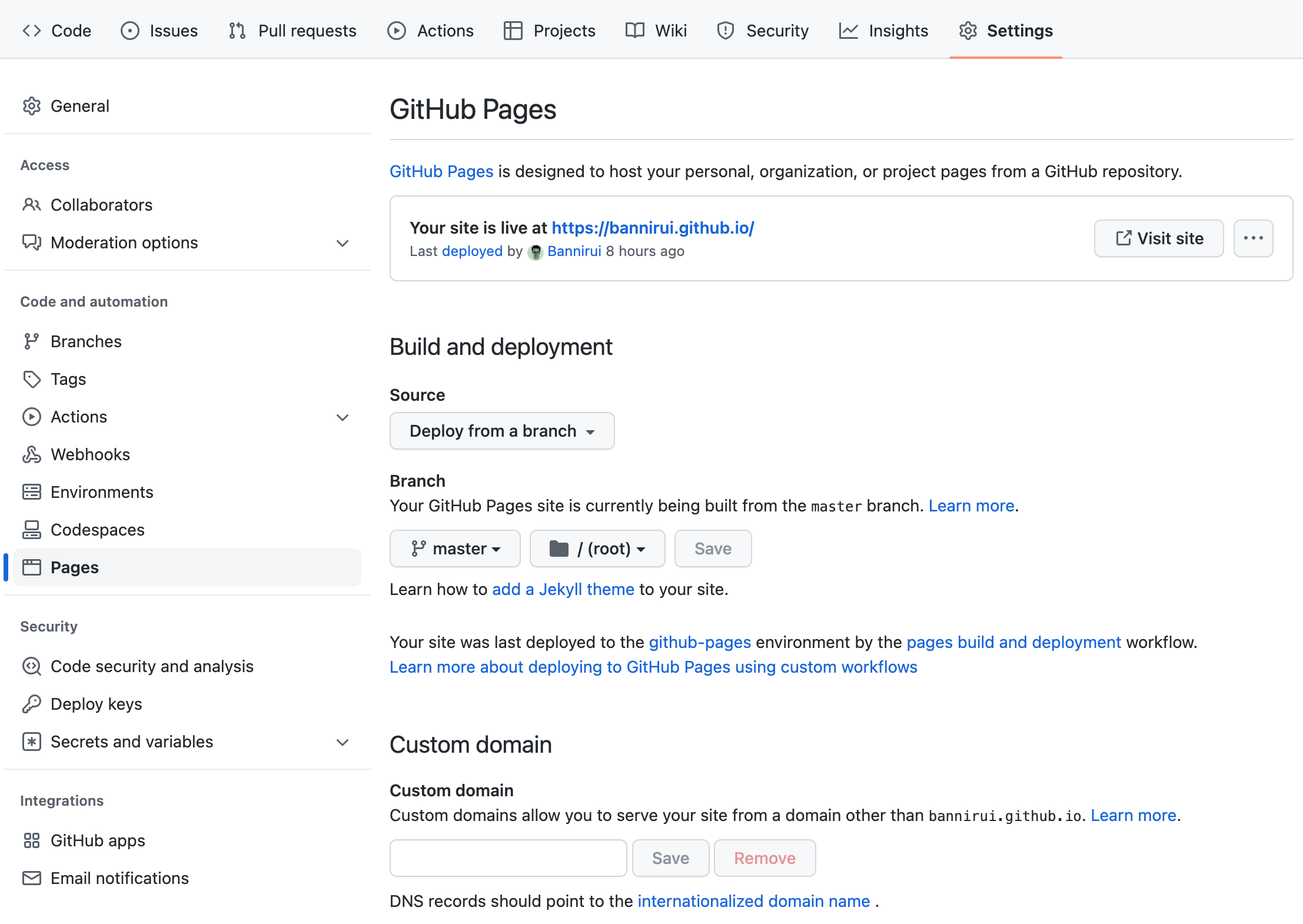
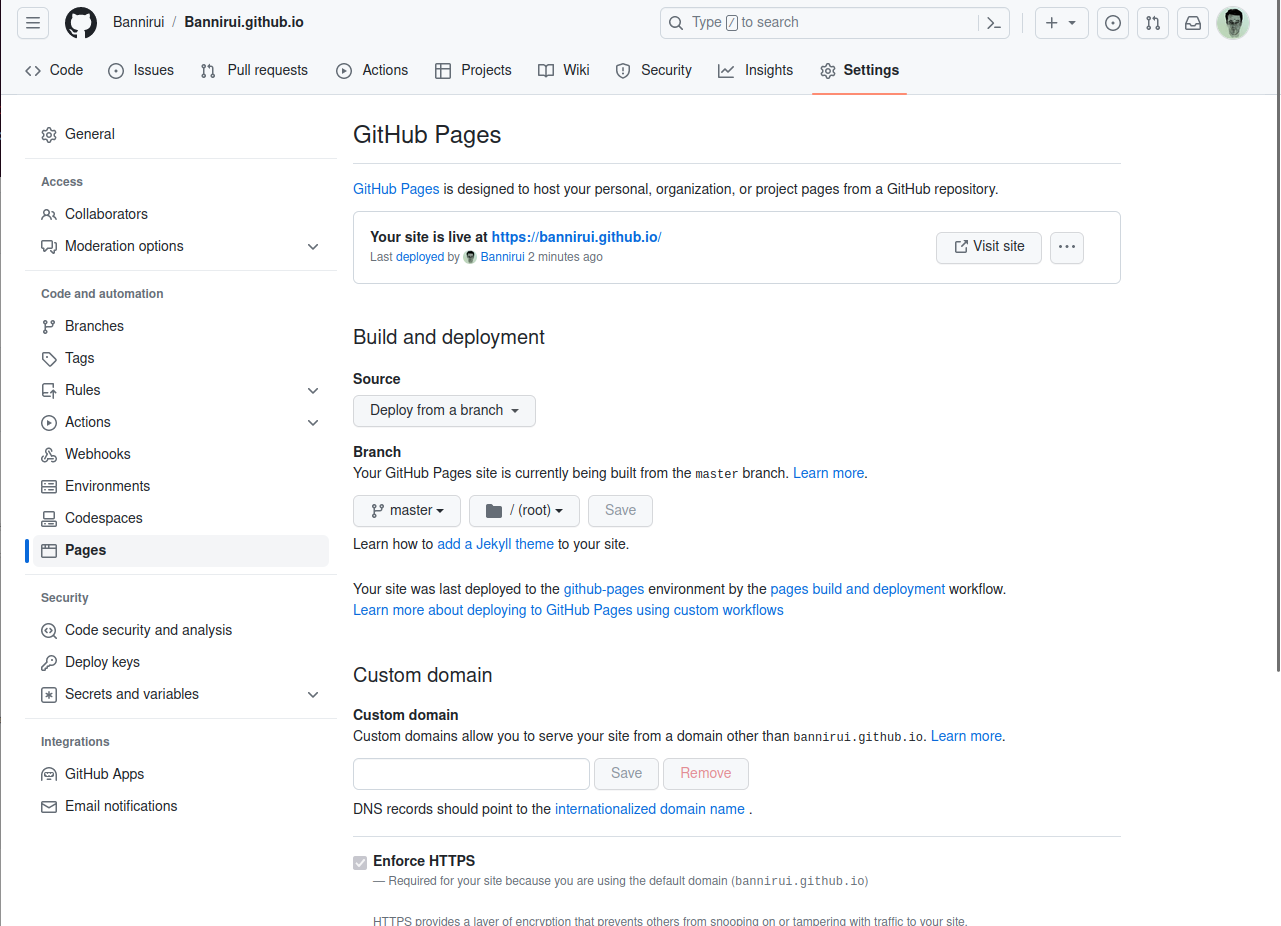
1.2 设置GitHub Pages
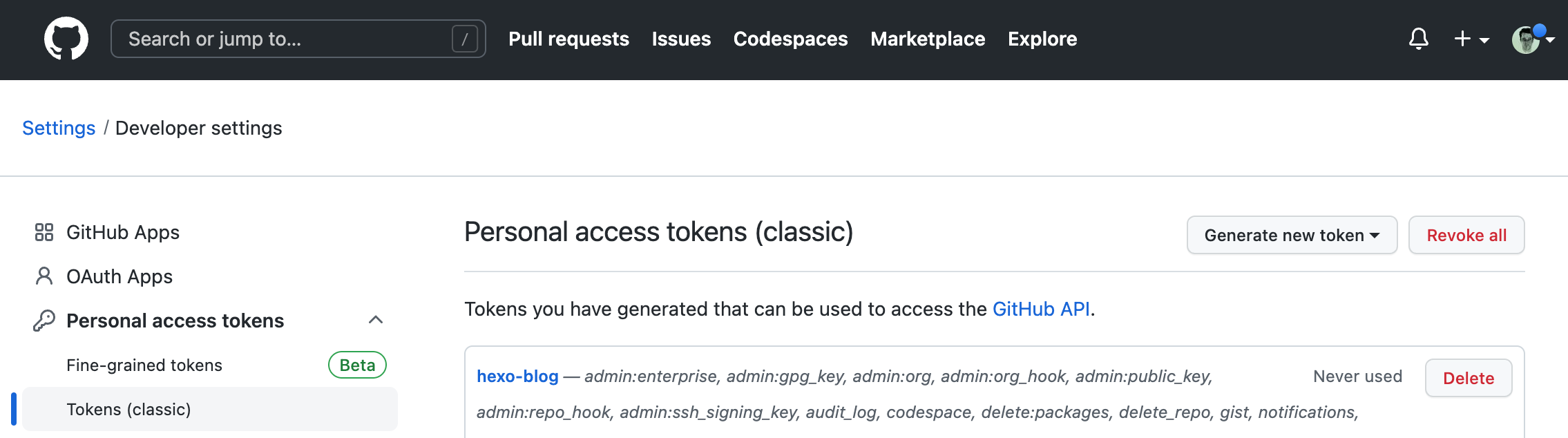
1.3 创建Token给Hexo使用
配置全局变量GITHUB_TOKEN_FOR_HEXO
2 build the blog
- 1 clone the repo
git clone git@github.com:Bannirui/Bannirui.github.io.git, then the default branch is hexo - 2 all of the settings are maintained in another private repo
dev-env-setting, including- _configure.yml
- _config.fluid.yml
- _config.next.yml
- 3 github publish key is the
zshrc
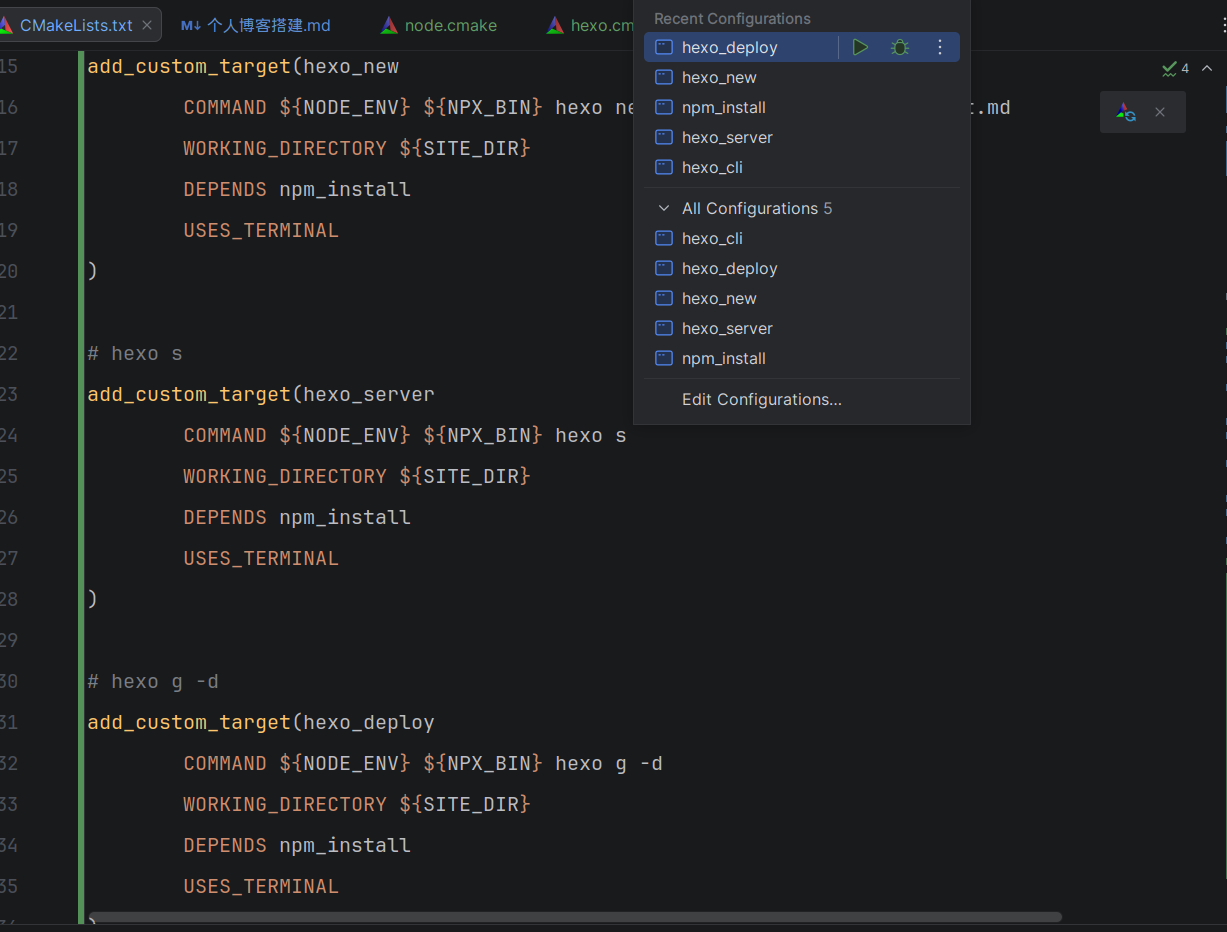
addition, all the command are unnecessary executed manually, i have injected into cmake tool, just click it
- 1
npm install, for relevant packages installing - 2
hexo new post, create new post - 3
hexo s, local http server - 4
hexo g -d, distribute on github site
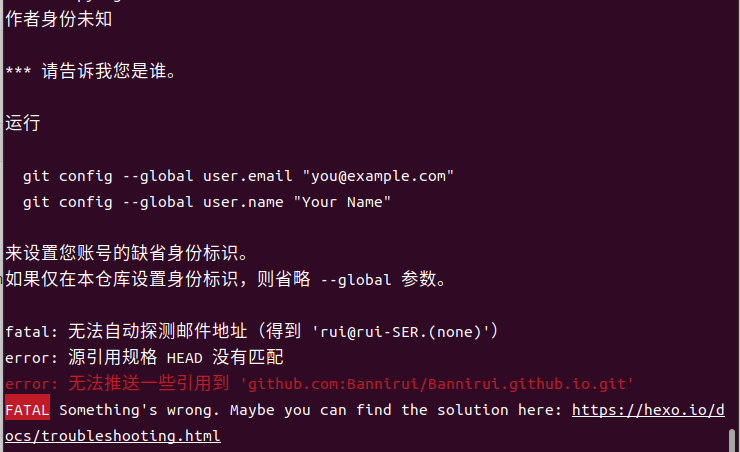
2.9.3 报错
1 | |
执行完依然报错,就索性删除了远程master分支
1 | |
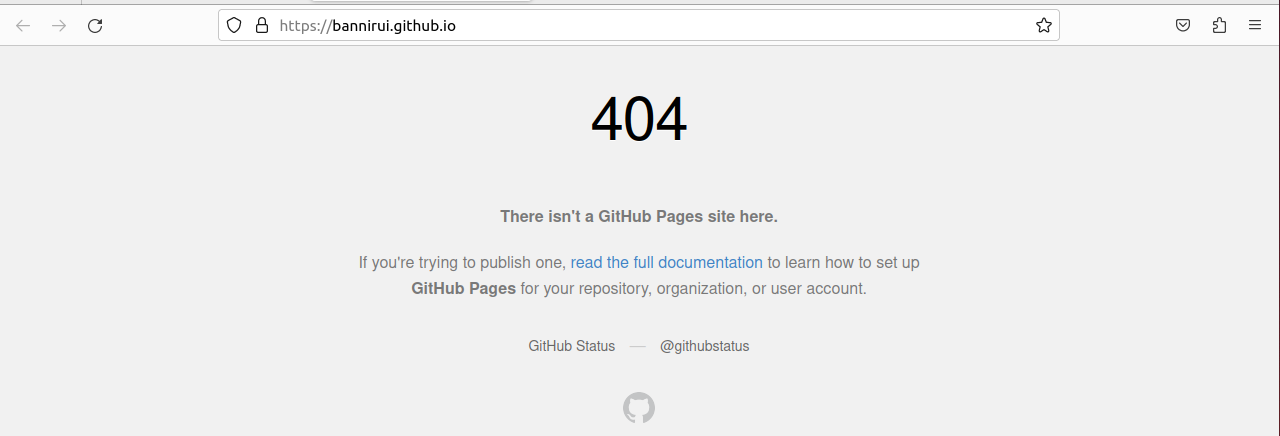
但是github pages的页面不能正确打开博客了
重新配置github pages
个人博客搭建
https://bannirui.github.io/2023/02/28/Hexo/个人博客搭建/